TABLE OF CONTENTS
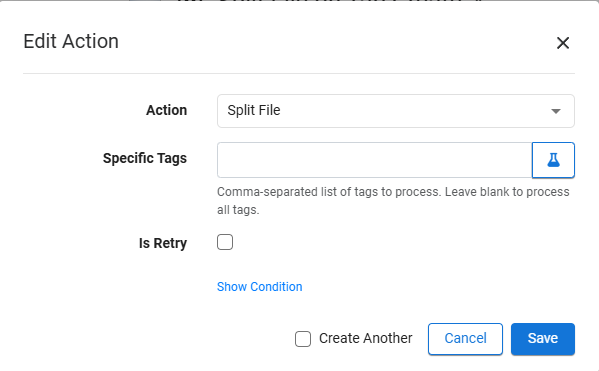
Split Files
When triggered, will parse through a DOCX file for any comments containing a specific keyword such as "@BR" and create a new file containing only the content highlighted by the comment. Useful for collaborating on sensitive documents with other authors where authors may not be allowed to see the whole document and you would like to extract specific document content into a new document.
Note: Certain DOCX components such as Table Of Contents are not supported by the Split and Merge features. But regular table content can be.
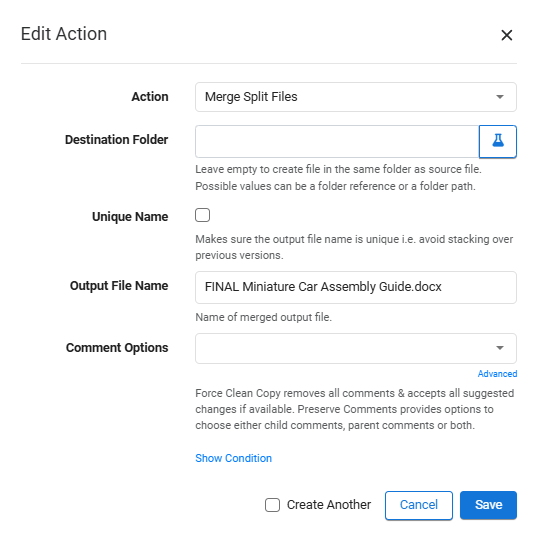
Merge Split Files
Can only be applied to a file that was once split. When triggered, will combine the files that were created after the split, and include all modifications made within the newly created files.
Example
As an example, let's assume that a toy company - MiniToys Inc - is working on a document that provides assembly instructions for a miniature car. The team responsible for the assembly instructions starts off with a single document that contains the different sections which will compose the assembly guide:
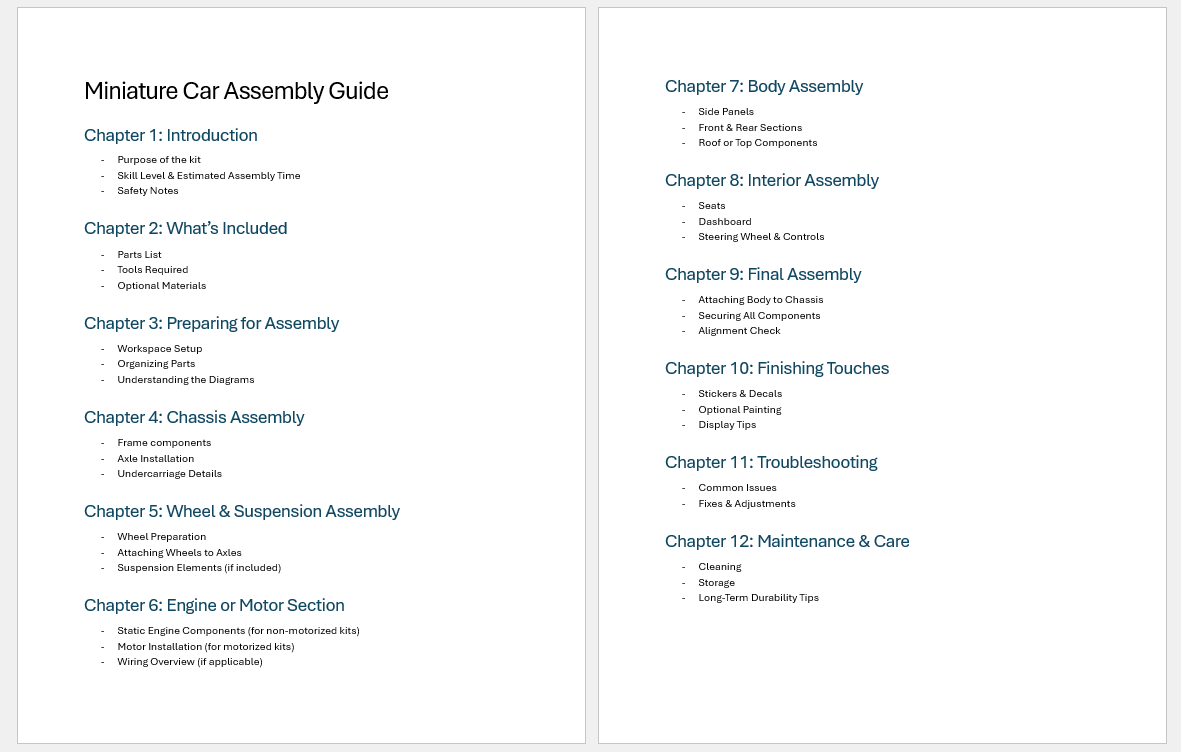
Part 1: Setting up for collaboration with Split Files action
For easier collaboration, the team can put comments in the document with a configurable keyword (in our example, the keyword is "@BR") followed by the name of the individual chapter or section:
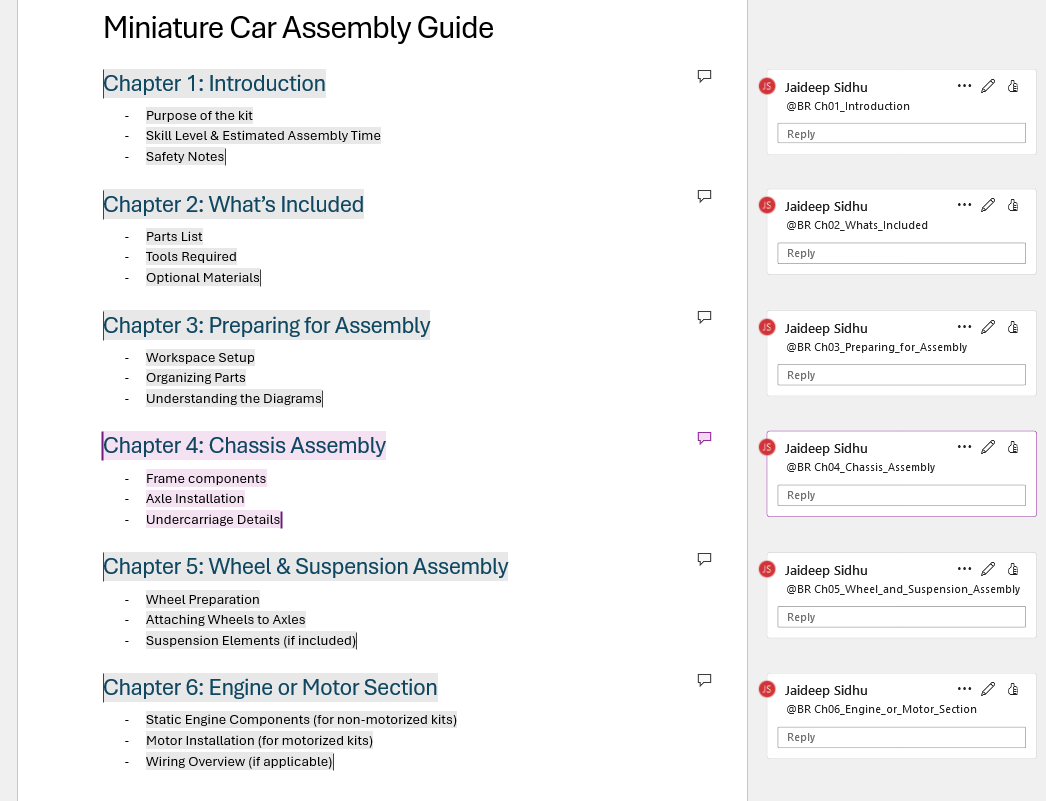
With these comments in place, the team can upload this DOCX file to Blue Relay and trigger the Split Files event action. As a result, each of these comments (and their contents) will be used to create a new folder at the same level as the folder that contains this DOCX file:
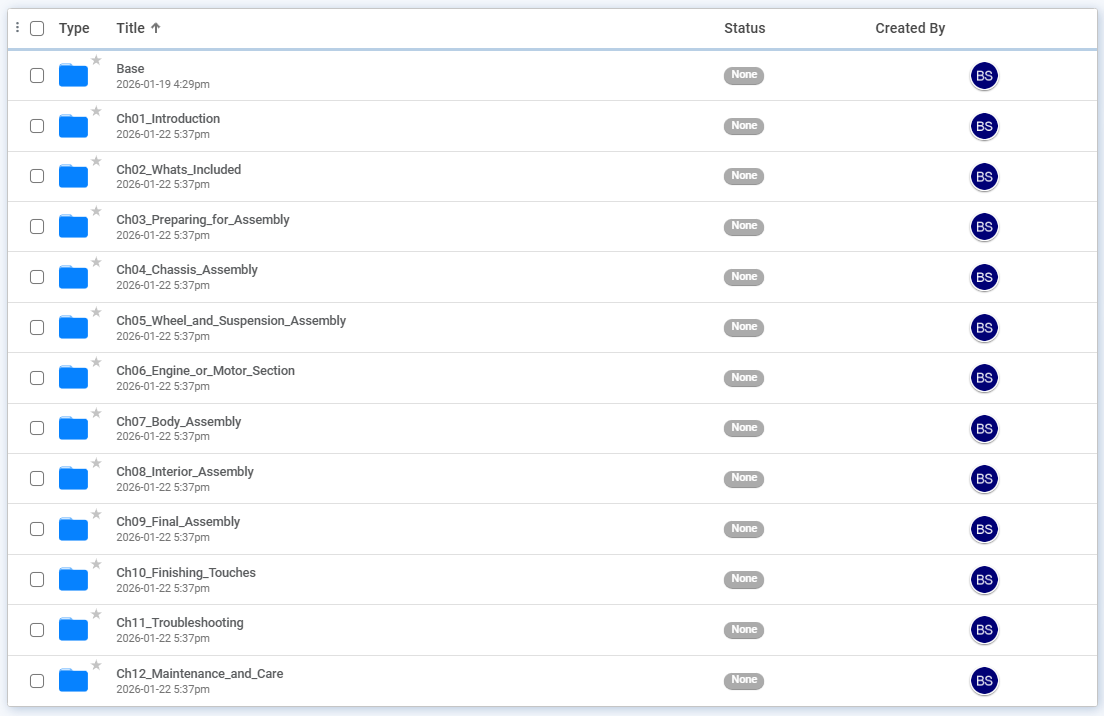
In this case, the Miniature Car Assembly Guide.docx file was located in the "Base" folder, so each newly created folder is a sibling to the "Base" folder.
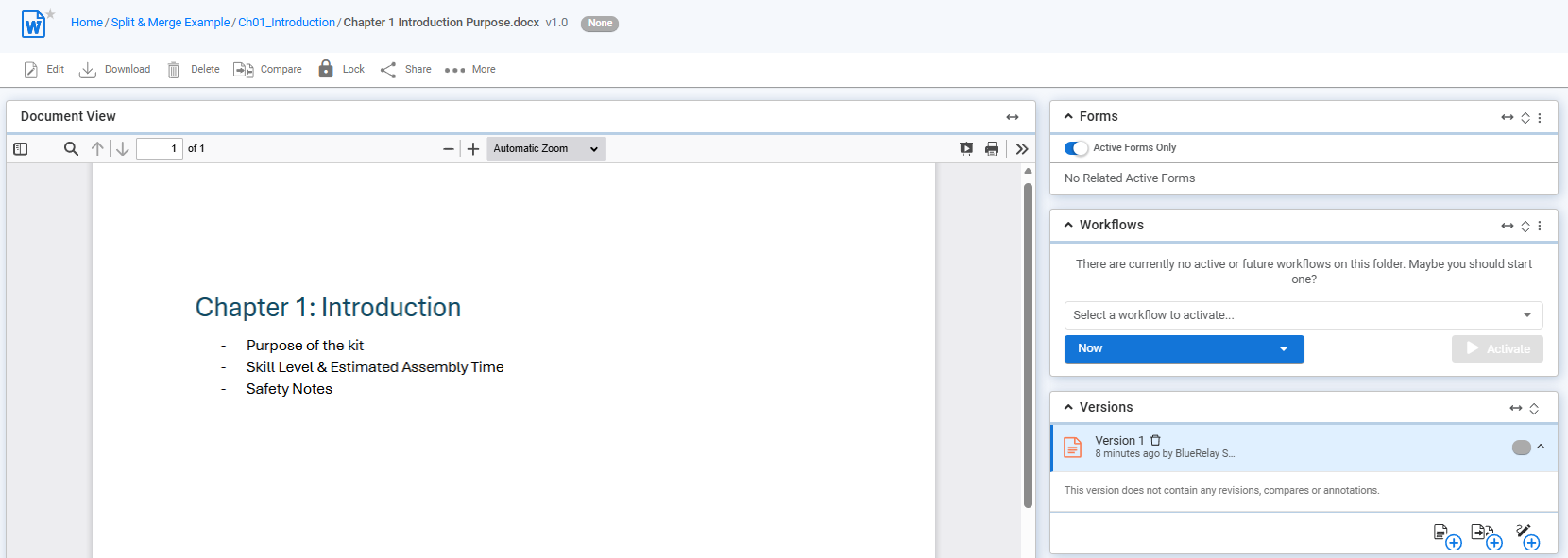
Within each folder is the contents of the respective comment:
Part 2: Putting it all together with Merge Split Files action
The team can now divide amongst themselves the chapters that need to be completed and get started. After the team is finished populating the contents for the chapters, the Merge Split Files action can be triggered to create a final version that contains everything from the split files.
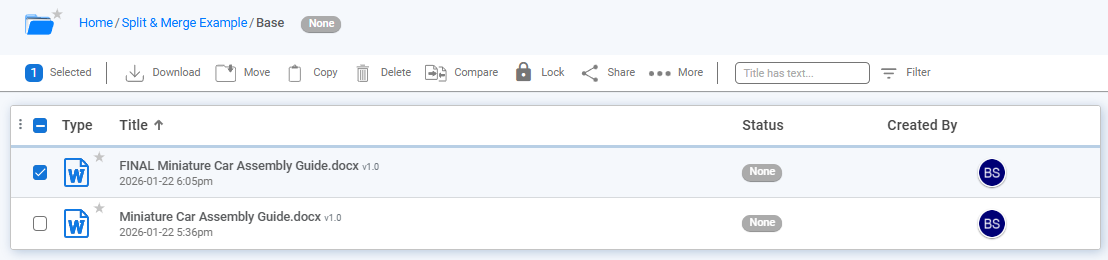
In this example, 3 paragraphs for each bullet point are added in each chapter:
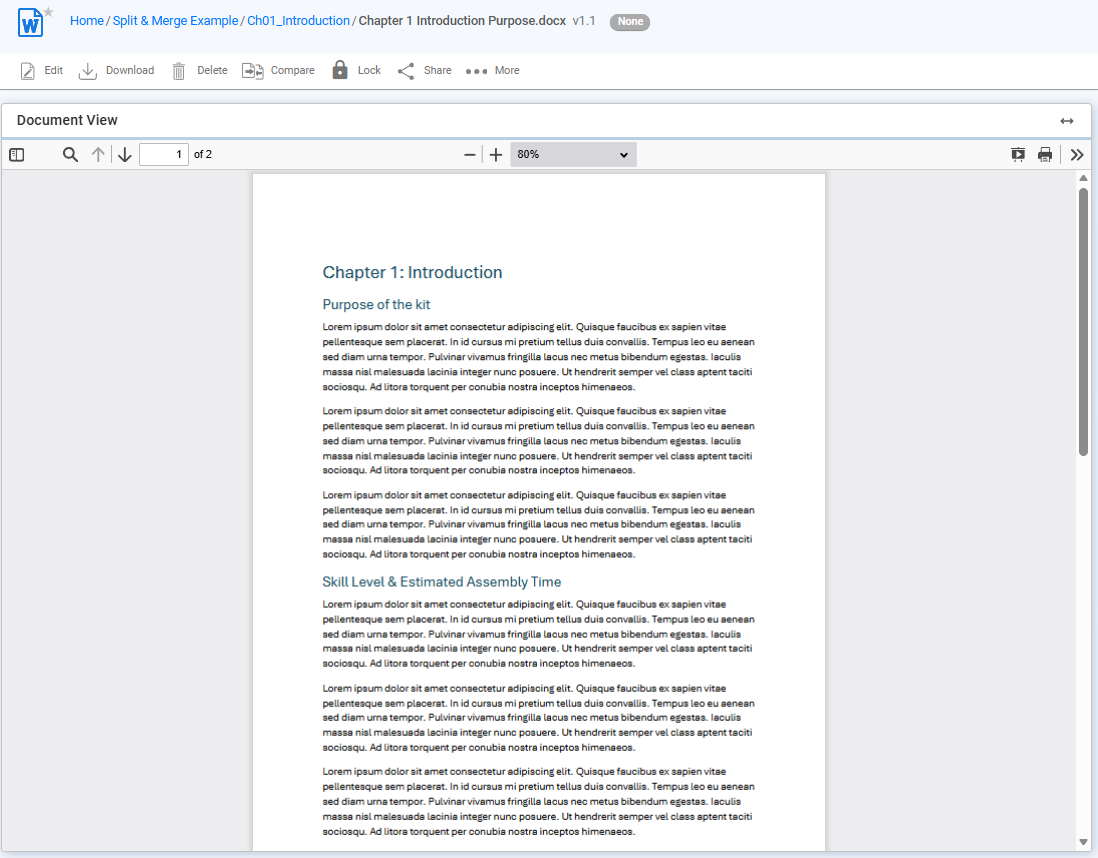
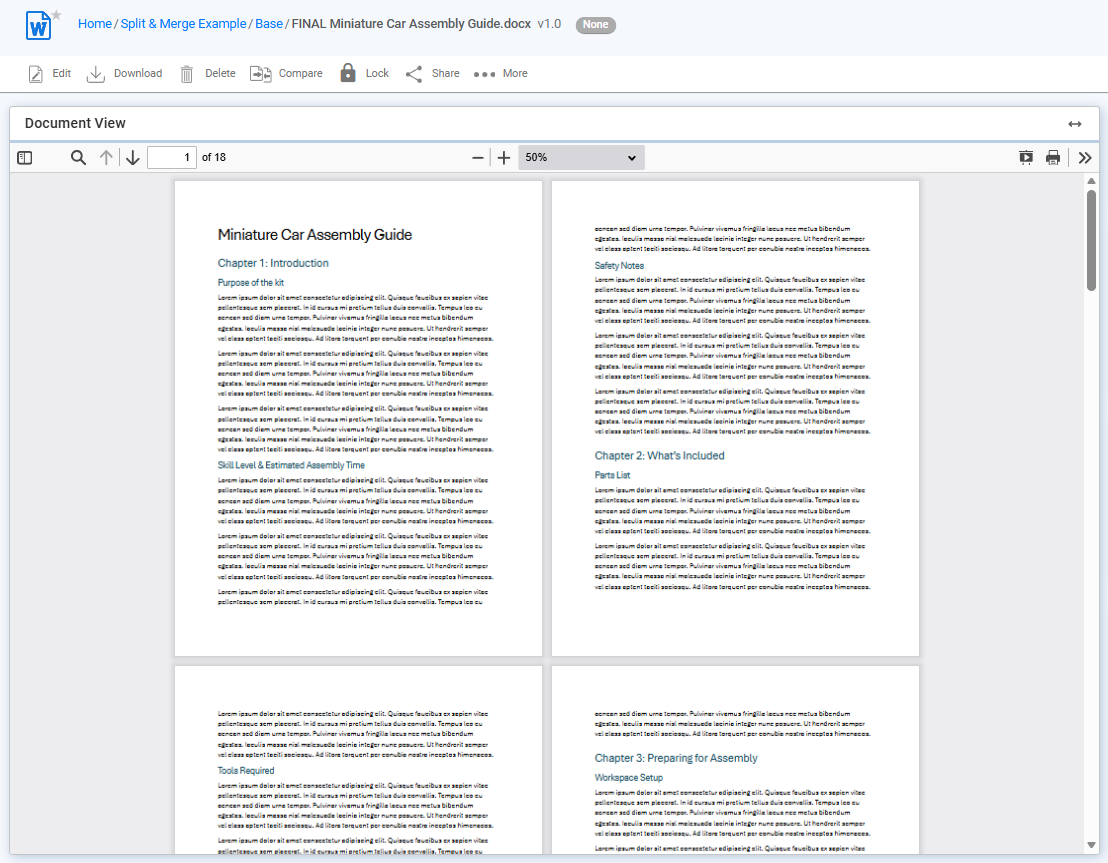
After triggering the Merge Split Files action on the initial DOCX file, all the modifications made in each section of each chapter are put together (or "merged") into a final document and uploaded in the same folder: